Workday Support Services: What Businesses Should Expect After Implementation
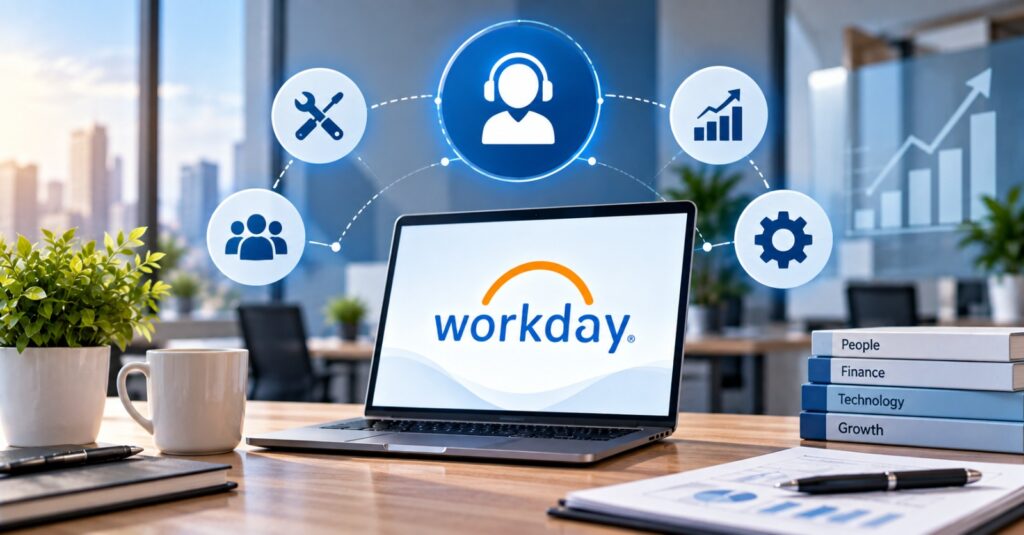
Implementing Workday is a significant step toward improving HR, finance, workforce management, reporting, and business operations. But going live is not the end of the Workday journey. It is the point where organizations begin using the platform in their day-to-day operations and where ongoing support becomes increasingly important.
After implementation, businesses may encounter changing business requirements, user questions, configuration issues, reporting challenges, integrations, new Workday releases, and evolving organizational processes. Without the right support structure, these challenges can reduce adoption and limit the value businesses expect from their Workday investment.
Explore our services: https://clientbridge.ai/services/
What Happens After Workday Implementation?
The transition from implementation to ongoing operations is often called the post-go-live or post-production phase.
During implementation, the focus is generally on configuring the platform, migrating data, developing integrations, testing processes, training users, and preparing for launch.
After go-live, the priorities change.
Organizations need to:
- Resolve functional and technical issues
- Support Workday users
- Monitor business processes
- Maintain integrations
- Review reports and dashboards
- Adapt configurations as business needs change
- Manage Workday updates and releases
- Improve user adoption
- Identify opportunities for optimization
- Maintain system performance and security
In other words, Workday needs to evolve alongside the organization.
Why Workday Support Services Matter After Go-Live
A successful implementation does not automatically guarantee long-term success. As employees and administrators begin using Workday extensively, organizations often discover opportunities to improve workflows, reporting, integrations, and user experiences.
Ongoing support can help businesses address these requirements without disrupting daily operations.
1. Faster Issue Resolution
Workday issues can affect HR, payroll, finance, reporting, integrations, and other business processes.
A dedicated support team can help organizations:
- Identify the root cause
- Prioritize issues
- Troubleshoot configurations
- Resolve functional problems
- Escalate complex technical issues
- Reduce operational disruption
Having experienced Workday professionals available can be particularly valuable when internal teams do not have the resources to investigate every issue.
2. Continued Workday Optimization
Workday should not remain configured exactly as it was on launch day.
They may add new departments, modify approval processes, expand operations, introduce new policies, or change reporting requirements.
Workday support services can help organizations continually evaluate whether their existing configuration still supports their business objectives.
3. Workday Release Management
Workday continuously evolves through product updates and new functionality. For businesses, keeping up with these changes can require considerable planning and testing.
4. Reporting and Analytics Support
One of the major advantages of a modern enterprise platform is access to business data. However, having data available does not necessarily mean organizations are getting the insights they need.
5. Integration and Data Flow Support
Workday rarely operates in isolation. Businesses may need Workday to interact with other enterprise applications and systems.
When an integration stops working correctly, the consequences can extend beyond the Workday platform itself.
6. User Support and Adoption
Technology is only valuable when employees know how to use it effectively.
After implementation, employees may still have questions about:
Business processes
Self-service functionality
Approvals
Reports
Employee data
Manager functions
HR workflows
Ongoing Workday support can help organizations provide better assistance while identifying recurring user challenges.
Workday Support vs. Workday Implementation
Workday Implementation
Implementation focuses on establishing the Workday environment.
Typical activities include:
Planning
Configuration
Data migration
Integration development
Testing
Training
Deployment
Go-live preparation
Workday Support
Support focuses on maintaining and improving the environment after launch.
Typical activities include:
Issue resolution
Maintenance
Optimization
Release management
Reporting support
Integration troubleshooting
User assistance
Strategic advisory
The implementation gets the organization live.
Conclusion
Workday implementation is not the finish line—it is the beginning of continuous improvement.
As organizations grow and business requirements change, their Workday environment needs ongoing attention. From troubleshooting and reporting to integrations, release management, user adoption, and optimization, Workday support services can help businesses maintain a reliable and valuable platform.
The right support partner can also give internal teams access to specialized expertise without requiring them to manage every Workday challenge alone.
Follow us on instagram: https://www.instagram.com/client.bridge/
FAQs
1. What are Workday support services?
Workday support services help businesses manage, troubleshoot, maintain, and optimize their Workday environment after implementation. Services may include functional support, technical assistance, reporting, integrations, release management, optimization, and user support.
2. Why is Workday support important after implementation?
Going live is only the beginning of ongoing Workday usage. Business requirements, workflows, users, integrations, and reporting needs can change over time. Ongoing support helps organizations adapt the platform accordingly.
3. What is Workday post-go-live support?
Workday post-go-live support refers to assistance provided after the system has been launched. It can include issue resolution, configuration changes, user assistance, reporting, integrations, maintenance, optimization, and release management.
4. What is Workday AMS?
Workday AMS, or Application Management Services, provides ongoing support and management for a Workday environment. Depending on the engagement, it may include functional and technical support, issue resolution, release management, reporting, optimization, and strategic guidance.
5. Can Workday support help with integrations?
Yes. Workday support teams can help organizations troubleshoot and maintain integrations and investigate issues involving data flows between Workday and other business systems.